iCloud Advanced Data Protection (ADP) is often treated as a one-tap "encrypt everything" switch. It does bring photos, backups, and iCloud Drive under end-to-end encryption — but not everything is covered, and turning it on changes what you can recover. This guide lays out the boundaries, the requirements, and the price of getting it wrong.
Shoot straight into an app sandbox: no camera roll entry, no upload, no account, no ads. 30-day free trial · $19.99 one-time purchase (US).
Download on the App Store →First, what the default actually is
By default, iCloud data is encrypted in transit and at rest — but for a large part of it, Apple holds the keys. In specific circumstances (for example, a legal request), Apple can decrypt and provide that data. What ADP does is move those keys onto your devices, so Apple no longer holds them.
| Data type | Default iCloud | With ADP on |
|---|---|---|
| iCloud Photos | Encrypted; Apple holds the key | End-to-end encrypted |
| iCloud Backup | Encrypted; Apple holds the key | End-to-end encrypted |
| iCloud Drive / Notes | Encrypted; Apple holds the key | End-to-end encrypted |
| Health data / Keychain / Messages | End-to-end by default | End-to-end |
| iCloud Mail / Contacts / Calendar | Not end-to-end | Still not end-to-end |
| Shared Albums / Shared Library | Not end-to-end | Still not end-to-end |
The last two rows matter most: ADP is not an "encrypt everything" switch. Mail, Contacts, and Calendar must interoperate with external systems, so Apple still needs to read them. Shared Albums and the Shared Library are designed to be delivered to other people, so they stay outside the end-to-end scope too.
What ADP does cover
According to Apple's documentation, ADP brings more than 20 data categories under end-to-end encryption. For most people, three matter:
- iCloud Photos — originals and thumbnails are end-to-end encrypted; without your device keys, cloud-side data can't be opened.
- iCloud Backup — the whole-device backup, including photos, chats, and app data, is encrypted as one package. This closes the classic gap where "the backup is easier to steal than the original".
- iCloud Drive and Notes — scanned documents, contracts, and ID photos stored there fall under protection by default.
In other words, ADP protects the copy in the cloud. It doesn't change how photos are stored locally on your phone, and it doesn't change the moment you send a photo to someone else.
What stays outside, even with ADP on
- iCloud Mail, Contacts, Calendar — interoperability requires Apple to keep the keys.
- Shared Albums and the iCloud Shared Library — photos you deliberately share with others are not end-to-end.
- Files or notes you've shared via links — shared links and collaboration notes are outside the scope.
- Third-party app servers — WeChat, cloud drives, and photo editors that upload to their own servers have nothing to do with iCloud; ADP can't reach them.
- Local computer backups — a Finder/iTunes backup is a separate path; if it isn't encrypted locally, the copy on your computer stays readable. See our encrypted backup guide.
- Web access — with ADP on, iCloud.com can't open protected data by default; a temporary authorization on a trusted device is required.
One more thing people miss: ADP protects content, not metadata. Device model, OS version, billing information, and some usage records may still be retained by Apple. It's not an invisibility mode.
Requirements and the real cost
ADP isn't available to every account. Typical prerequisites:
- Two-factor authentication on the Apple Account;
- A device passcode set;
- Every device on the account updated (iOS/iPadOS 16.2+, macOS 13.1+, watchOS 9.2+, tvOS 16.2+);
- A recovery contact set up, or a recovery key generated and stored safely;
- Not a child account, and not managed by a school or business.
The real cost is recovery: once ADP is on, Apple no longer holds your keys. If you forget your password, lose the recovery key, and can't reach your recovery contact, Apple cannot restore your data. That isn't a scare tactic — it's the logical consequence of end-to-end encryption. Store the recovery key offline (printed or written down), not just in a note on the same phone.
A five-minute checklist before you switch it on
- Find the switch: Settings → Apple Account → iCloud → Advanced Data Protection. Follow the prompts for a recovery key or recovery contact.
- Store the recovery key offline, and confirm your recovery contact is reachable.
- Check web access: after enabling, log into iCloud.com and confirm protected data won't open without device authorization.
- Check local backups: if you back up to a computer, tick "Encrypt local backup" and note the password — ADP doesn't cover that path.
- Remember the boundary: anything you share with others, and anything a third-party app uploads, is outside ADP's reach regardless of the switch.
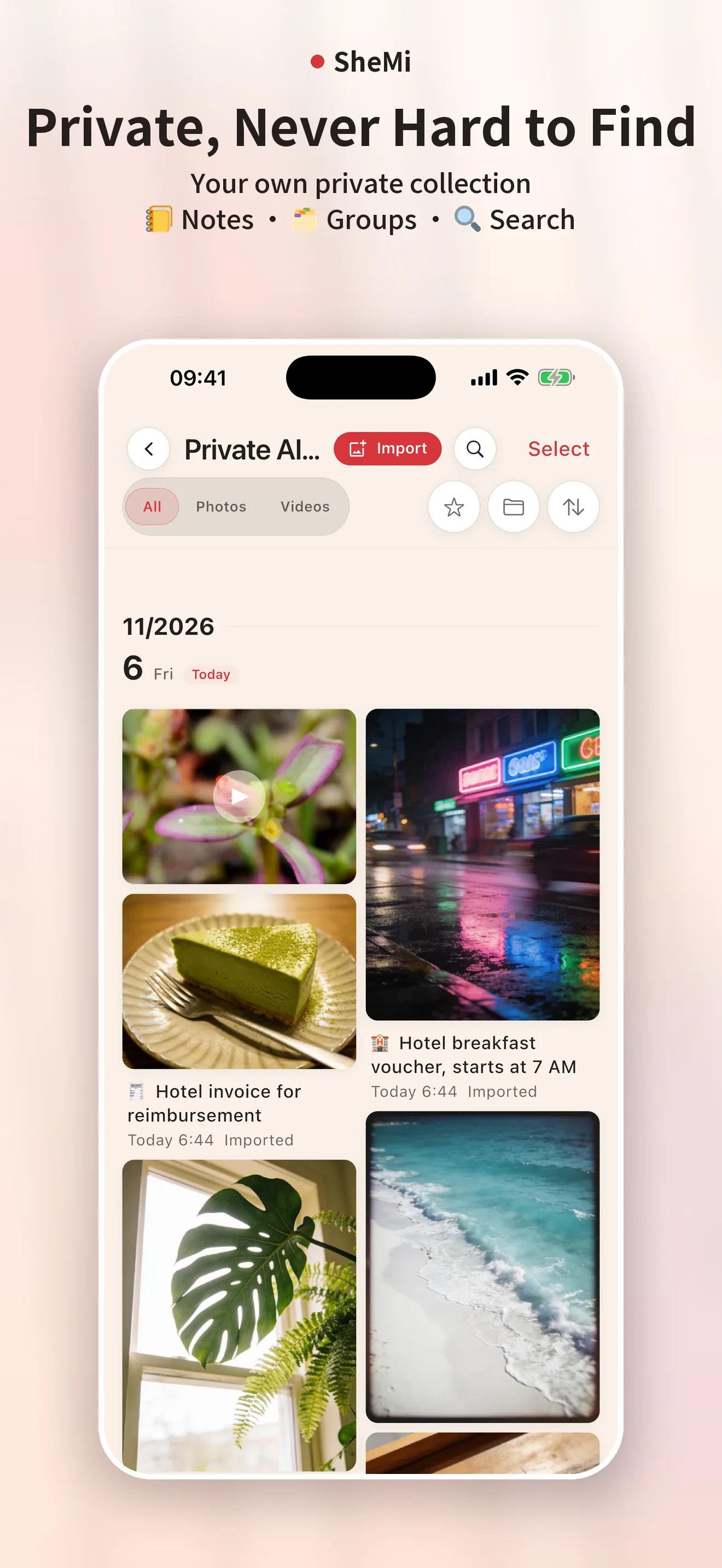
If ADP isn't available to you, or the recovery risk feels too high, there's a simpler approach for the most sensitive photos: don't put the originals in iCloud at all. Keep ID scans, contracts, and private shots in a local sandbox that never enters the system photo library — that's the architecture SheMi uses: photos taken inside the app stay in its sandbox, marked excluded from iCloud backup, and never touch the camera roll. Learn more about SheMi.
Summary
ADP is a safe for your cloud copies, not an invisibility cloak for your phone. It's worth enabling — once you understand what it covers, what it doesn't, and what losing the key costs. Store the recovery key first, then flip the switch.