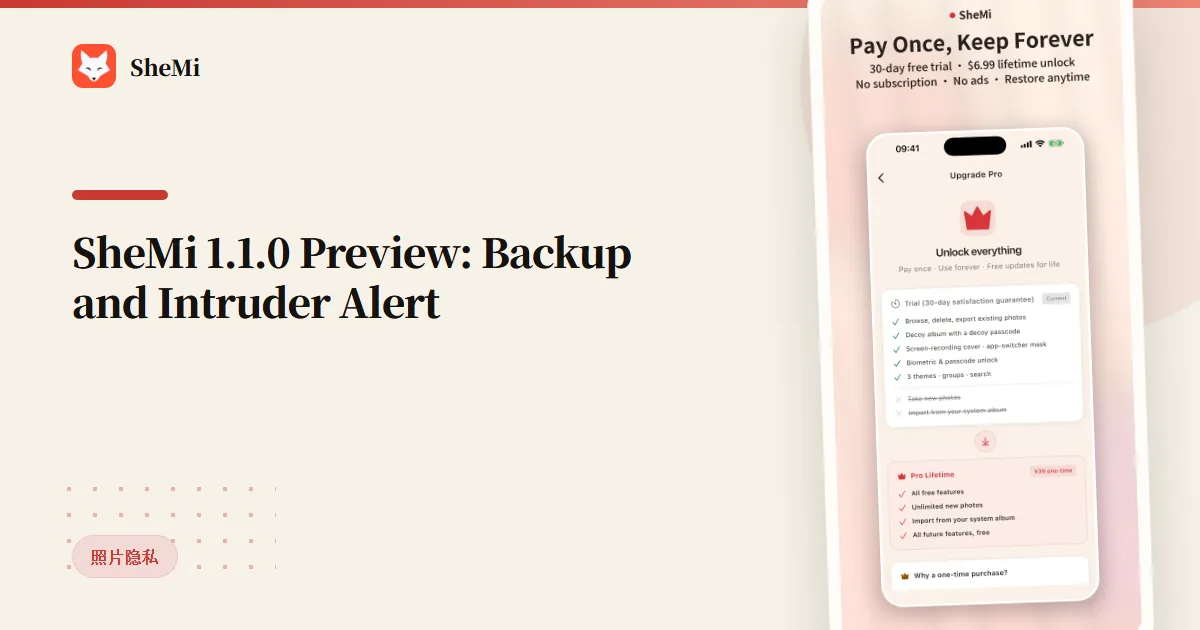
SheMi 1.1.0 is now available on the App Store (released November 14, 2026). This update covers one-step backup and restore, plain-ZIP backups you keep yourself, an intruder alert that shows you who tried to get in, and a set of smaller fixes long-time users have asked for.
The headline: backup and restore in one step
Until now, moving a SheMi vault to a new phone meant exporting and re-importing piece by piece. 1.1.0 adds a complete backup path:
- Export a ZIP to your computer, over Wi-Fi or with Save to Files — a single archive of your vault.
- Restore everything on a new phone in one step: photos, videos, groups, notes, and favorites come back together.
- Restore from your computer's browser: if the backup is on a computer, you can upload it from there instead of first copying it onto the phone.
Two clarifications, because backup features tend to get over-promised. This is SheMi-to-SheMi restore: it moves your vault between iPhones, it doesn't merge into the system photo library. And the ZIP is a file of your personal photos — where you keep it is still your decision. On that, the next section is new.
About the backup file: it's a plain ZIP
One clarification, because backup features tend to get over-promised: the backup is a standard ZIP archive of your vault, with no password layer of its own. That means where you keep it matters — your own computer or an encrypted drive is fine; a shared cloud folder or a public link is not.
If you still have a password-protected backup from an earlier test build, SheMi can restore it: it detects the archive needs a password, asks for it, and decrypts on the device. But new exports are plain ZIPs.
Two more boundaries: this is SheMi-to-SheMi restore — it moves your vault between iPhones, it doesn't merge into the system photo library. And it is not a cloud sync feature — the backup lives wherever you put it.
Intruder Alert: see who tried your passcode
New in 1.1.0: if someone enters the wrong passcode repeatedly, SheMi silently captures a photo with the front camera. The photo is stored inside your vault, where the person holding the phone can't see it — you'll find it later, next to a log of when the attempts happened.
What it's for: knowing whether someone actually tried to get in. A wrong-password attempt on a locked door doesn't leave a note. Intruder Alert leaves you a record, kept on the device like everything else in SheMi. Turning it on asks for camera access, and the captured photos never leave the sandbox.
One honest limitation: it photographs whoever is in front of the screen at that moment. It can't tell you who they were if the camera is covered or the light is off. Treat it as evidence, not identification — and as one more reason for the decoy passcode, which gives someone something to find before they ever reach your real vault.
Lock screen and recovery changes
A discreet lock-screen key. The Face ID button on the lock screen is now a subtle * key instead. The visual change matters more than it sounds: an obvious Face ID prompt next to a decoy album is a tell, and the decoy only works if it doesn't look like one. Unlocking works as it always has: your real passcode opens the real album, the decoy passcode opens the decoy.
Recovery key entry is more secure. The recovery key flow has been tightened, and the clipboard now clears itself after 60 seconds — so a copied key doesn't sit in the clipboard for the next app to read.
Timeline and interface fixes
Album timeline follows import date. Photos and videos now sort by when they entered the vault; the original capture time is still visible in the details panel. For people who import old photos in batches, the library finally reads in the order things were actually added.
The English interface uses 12-hour time. A small thing that made the English UI feel translated: times now show as 9:41 PM rather than 21:41.
Overseas pricing display fixed. Some non-US users were seeing Chinese-currency prices in the app. 1.1.0 shows the price your local App Store actually charges. The purchase itself is unchanged: one-time, US $19.99, priced locally elsewhere.
The 48MP fix is worth explaining: opening a very large image used to spike memory and could close the app mid-browse. 1.1.0 decodes those images more carefully, so a full-resolution photo opens like any other. The faster batch delete is the same class of fix — less waiting, fewer chances for the app to stall while clearing out screenshots and duplicates.
SheMi 1.1.0 at a glance: what changes
| Area | 1.0.2 | 1.1.0 |
|---|---|---|
| Moving to a new iPhone | Export and re-import piece by piece | One-step restore from a ZIP backup |
| Backup file | Not available | Plain ZIP; older password-protected archives still restore |
| Wrong passcode attempts | No record | Intruder Alert photo, kept in your vault |
| Lock-screen Face ID | Visible Face ID button | Discreet * key |
| Album timeline | Sorted by capture date | Sorted by import date; capture time in details |
| Time format (English) | 24-hour | 12-hour |
| Overseas price display | Occasionally Chinese currency | Local App Store price |
| Recovery key | Clipboard kept the key | Clipboard clears after 60 seconds |
Frequently asked questions
Is 1.1.0 available now?
Yes. 1.1.0 has been live on the App Store since November 14, 2026 — update from the App Store, or download it if you're new. The version history page lists every release.
Is the backup ZIP encrypted?
No. New backups are plain ZIP archives, so store them somewhere you trust. Older password-protected backups (from test builds) can still be restored — SheMi asks for the password and decrypts on the device.
Does Intruder Alert need camera permission?
Yes — turning the feature on asks for camera access. The captured photo is stored inside the app's sandbox on your device, like everything else in the vault, and is never uploaded.
Does restoring to a new phone replace what's already there?
Restore brings your backed-up vault into SheMi on the new device. It's designed for moving between iPhones — it doesn't import into the system photo library, and it doesn't merge with a different vault.
Do I need to re-buy anything on the new phone?
No. The purchase is tied to your Apple ID and restores on a new device — the same one-time purchase, no second charge. See the trial and purchase guide for the details.
Why this update is worth waiting for: if you've been putting off moving to a new iPhone, the one-step restore removes the main reason to wait. For background on how the vault works — photos never entering the camera roll, the decoy passcode, local sandbox storage — see the private album app guide and the decoy passcode explainer.